
Observe
Read pages through structured text, headings, links, images, frames, and visible page targets instead of screenshot guessing.
NexaBrowse is a browser made for AI agent work: browsing pages, reading page structure, operating controls, debugging websites, reviewing frontend previews, and working with human feedback inside a visible browser loop.
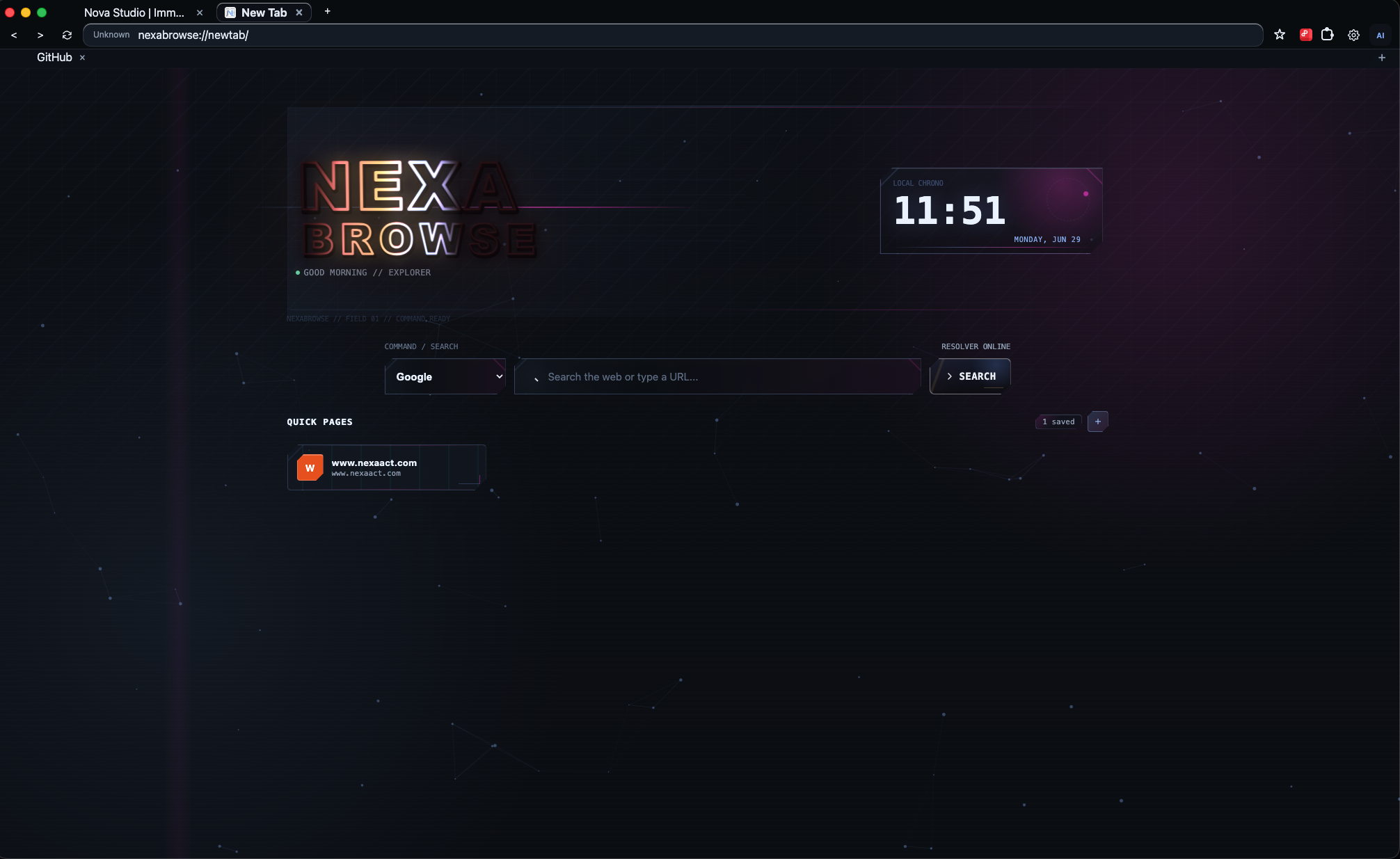
Read pages through structured text, headings, links, images, frames, and visible page targets instead of screenshot guessing.
Click, type, scroll, select, upload, and operate page controls through stable browser targets that an AI agent can reuse.
Inspect local previews for layout problems, contrast issues, missing content, runtime errors, and broken visual states.
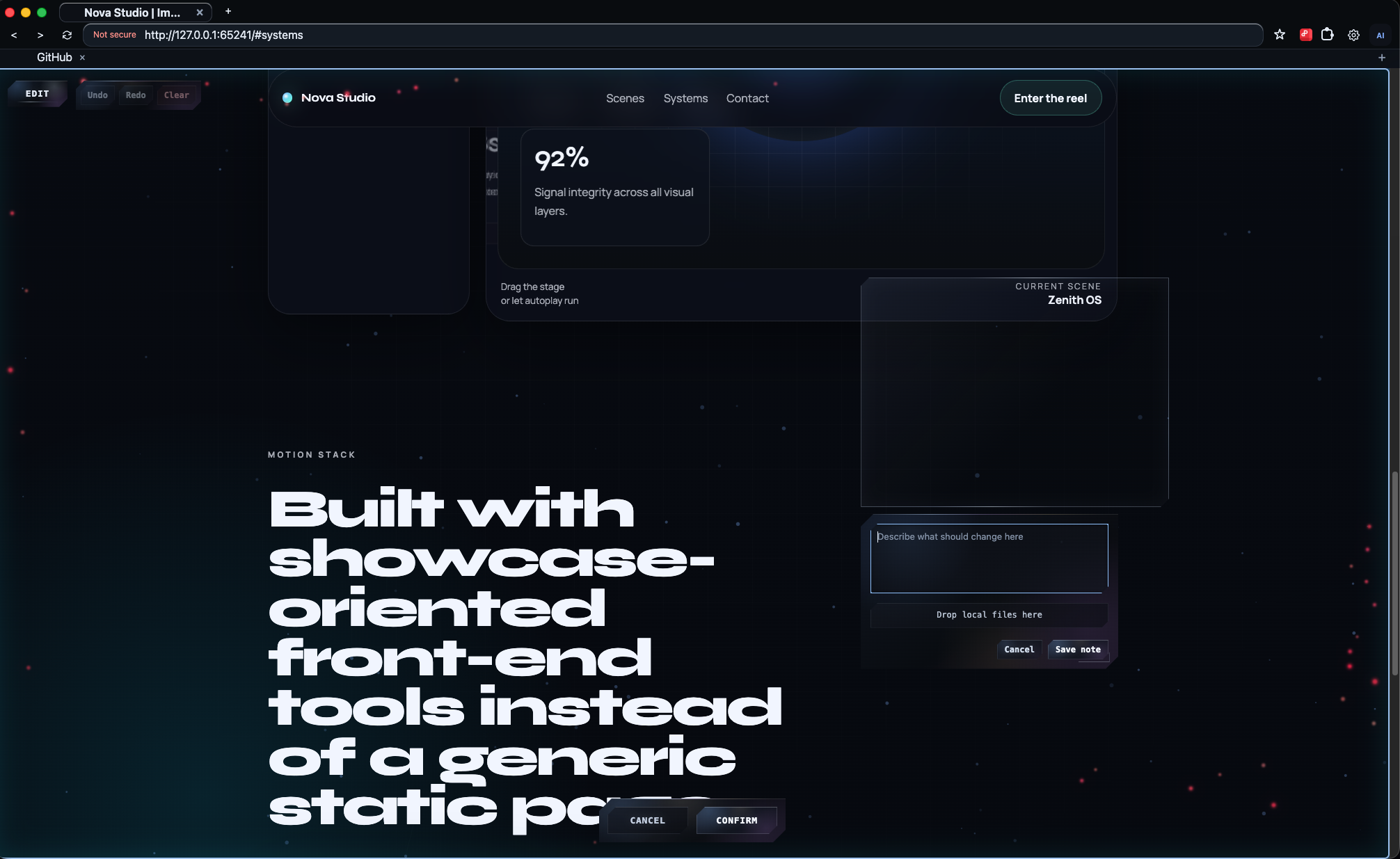
Let a human mark regions, edit text, replace images, and confirm notes directly inside the live browser preview.
Most browsers are built for human clicking. NexaBrowse keeps the human-visible browser, then adds an agent control layer for page reading, DOM-aware actions, diagnostics, screenshots, and local preview workflows. That makes it practical for an AI agent to inspect, operate, and improve web pages while the user can still watch, authorize, and intervene.
With the user's browser session and authorization, agents can work with the same pages a human can access in that browser, including modern sites that depend on authentication, tabs, forms, visual layout, and interactive state.
NexaBrowse exposes a local Agent API for page reading, navigation, actions, screenshots, diagnostics, and browser state.
Start a local frontend preview, inspect what changed, collect visual notes, and verify the result in the same browser surface.
The agent works in a real browser window, so users can see what is happening, pause control, and add precise feedback.
NexaBrowse keeps the normal visible browser experience, then adds agent routes for observing page text, links, forms, visible targets, screenshots, tabs, downloads, diagnostics, and local preview state.
The result is a browser that agents can use like a tool while the user can still see the page, review what happened, and provide precise visual feedback.
Explore browser automation for AI agentsNexaBrowse can open a local web preview, let the user mark what should change, and give the agent precise visual context for implementation and verification.
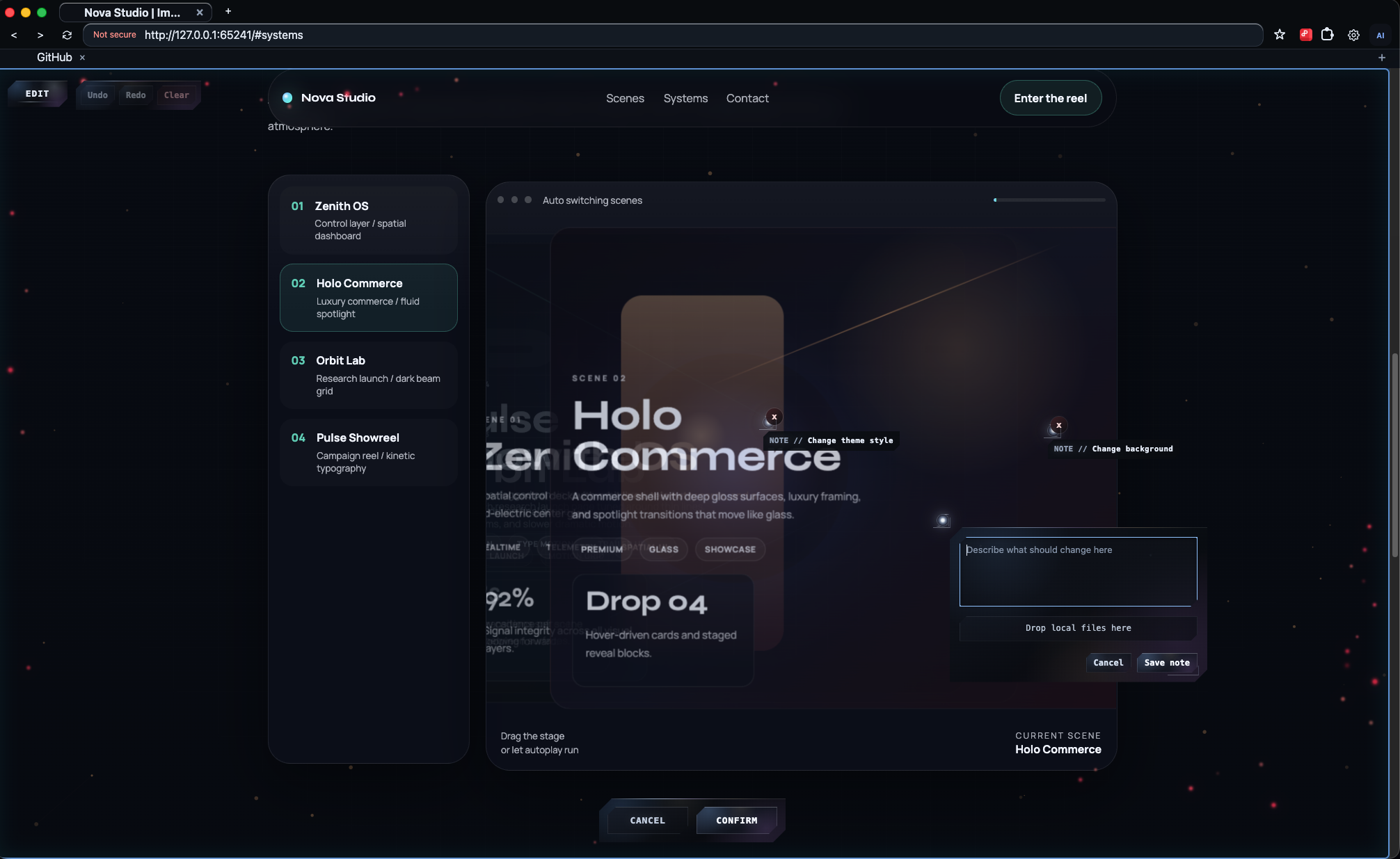
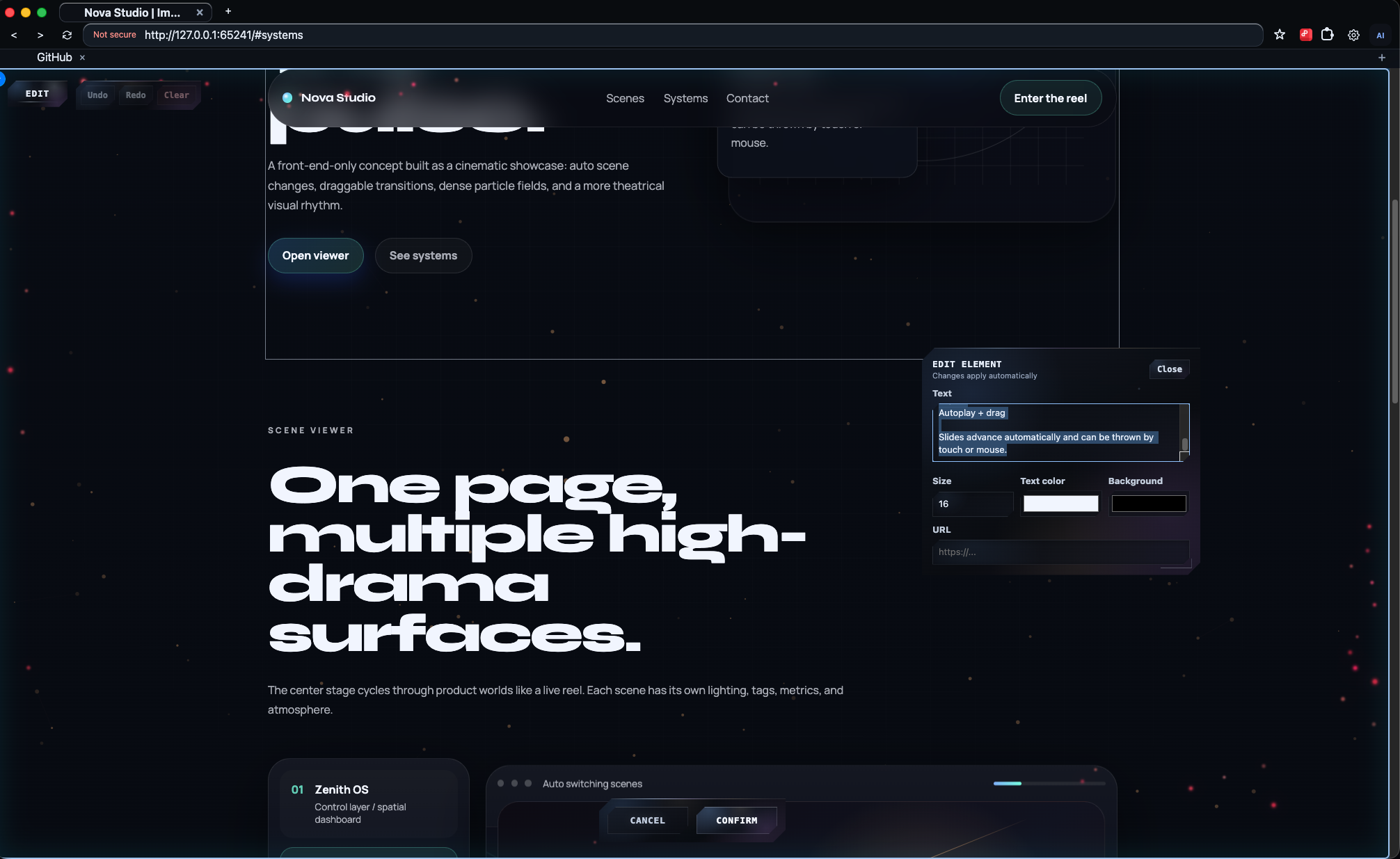
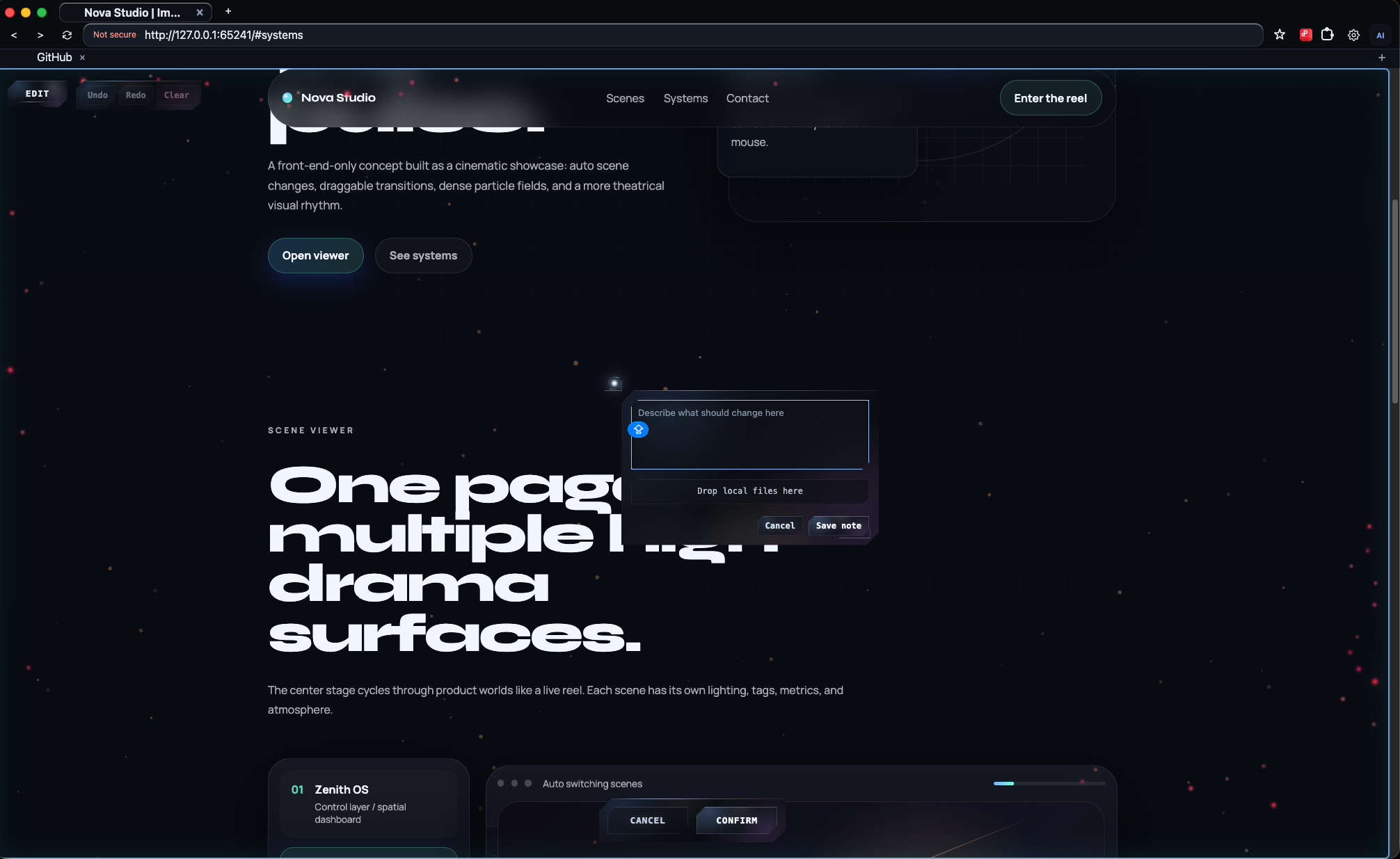
The NexaBrowse repository packages the pieces third-party developers need to connect their own agents, tools, and workflows to a local AI-native browser.
Endpoint groups for opening pages, reading state, clicking, typing, screenshots, tabs, diagnostics, downloads, and preview inspection.
Machine-readable capability and guide metadata that helps external agents discover what the browser can do.
Operational markdown guides for page reading, navigation, form input, co-control, previews, downloads, and runtime debugging.
A lightweight TypeScript client for connecting an agent or tool process to the local NexaBrowse Agent API.
Start NexaBrowse, provide the local Agent API URL and token to your agent process, then use the SDK or direct HTTP calls to open pages, read page text, act, and verify.
import { createClientFromEnv } from "@nexaact/nexabrowse";

const browser = createClientFromEnv();
await browser.open("https://example.com");
const page = await browser.pageText({ maxChars: 2000 });The agent can use browser-native routes for page reading, page actions, screenshots, navigation, diagnostics, forms, downloads, tabs, and preview audits. The goal is simple: make browser use reliable enough for agents while keeping the browser visible to the user.
Launch a normal URL or a managed local frontend preview.
Read headings, links, forms, visible targets, images, media, and diagnostics.
Use structured click, fill, select, upload, scroll, and keyboard actions.
Check layout, runtime state, and visual results after every meaningful change.
NexaBrowse is not designed to bypass access controls, impersonate people, collect data without authorization, violate website terms, or automate harmful activity. It is built around user-controlled browser sessions, visible agent operation, and workflows that stay inside the permissions the user lawfully controls.
NexaBrowse is an AI-native browser designed for agents to browse, control, inspect, annotate, and verify websites in a real browser window.
NexaBrowse is built for AI agents, developers, and users who want agent work to happen inside a visible browser with structured page reading, stable actions, screenshots, diagnostics, and local preview workflows.
It can open local previews, let users mark page regions or edit text and style feedback, then expose those confirmed notes to the agent for implementation and verification.
No. NexaBrowse is built for authorized human-AI collaboration in the user’s browser session, not for bypassing access controls or unauthorized data collection.